
Firmware updates (OTA)
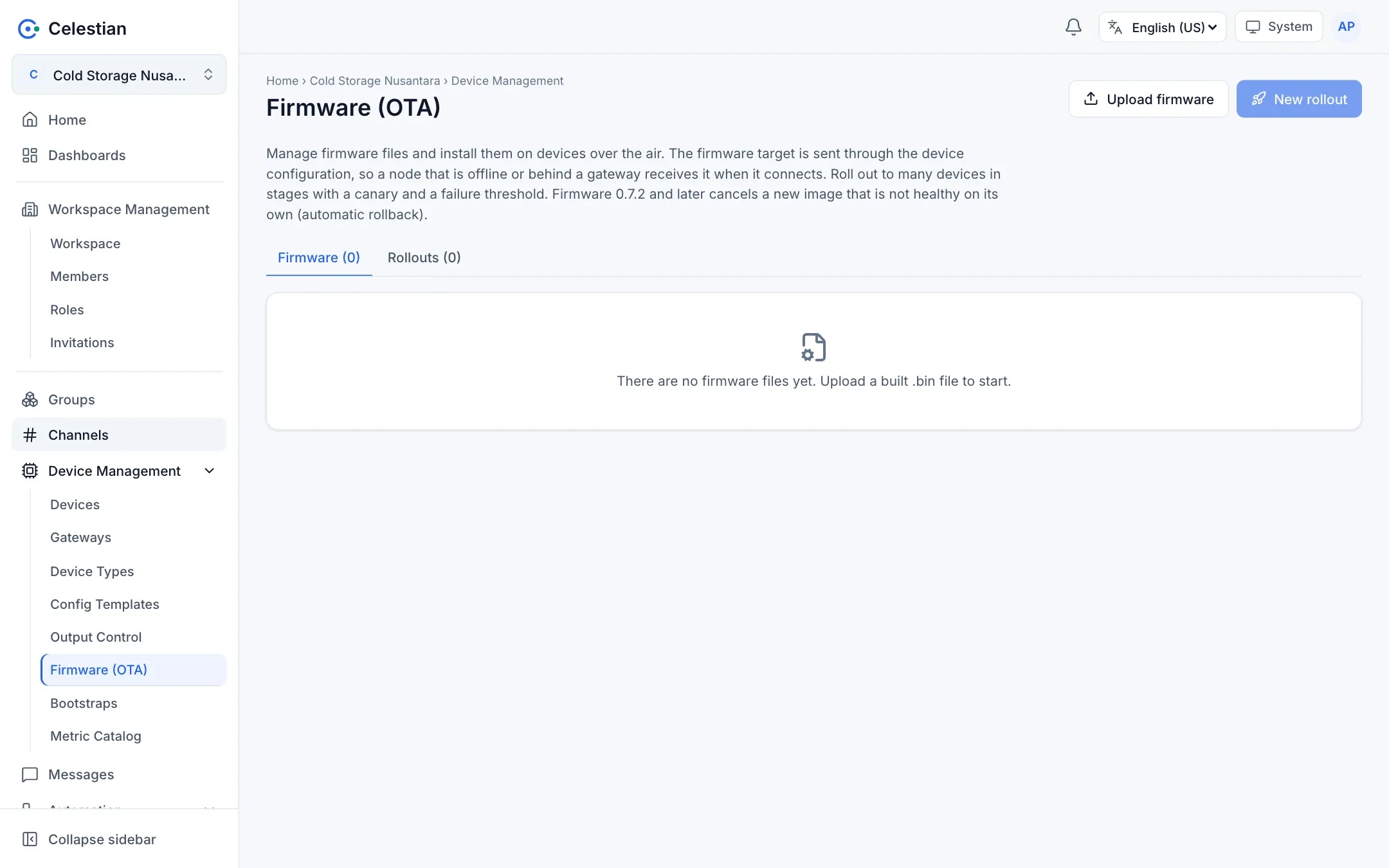
Celestian can store firmware files and push updates to devices, including those behind a gateway, with staged rollouts and safeguards. Menu: Device Management → Firmware (OTA).
How it works, briefly
Section titled “How it works, briefly”- You upload a firmware file.
- You create a rollout: pick the firmware and the targets (devices, a group, or a device type), then the strategy.
- Celestian sends the firmware target (
fw_version,fw_url,fw_sha256) through the normal configuration path. The message is retained, so a device that is offline or behind a gateway still receives it, and the device retries by itself every 10 minutes if it fails. - The device downloads from a signed address, verifies the SHA-256, installs, and then reports
fwandfw_status. That is the source of the status in Celestian.
The firmware file
Section titled “The firmware file”| Rule | Value |
|---|---|
| Upload | Multipart; the Firmware tab on the Firmware page. |
| Size | At most 8 MiB (the administrator can change it). |
| Type | An ESP32 image (starting with the magic byte 0xE9). |
| Uniqueness | Unique per (model, version). The version must equal the fw the device reports after installing. |
| SHA-256 | Computed by the server. |
| Delete | Refused while there is an active rollout for that file. |
A download address uses a signed token and expires (rounded to the hour so one wave uses the same address). A direct device uses the full URL; a device behind a gateway uses a relative /fw/... address that the gateway proxy forwards to Celestian. Because devices do not verify the HTTPS certificate, integrity is guarded by fw_sha256.
Creating a rollout
Section titled “Creating a rollout”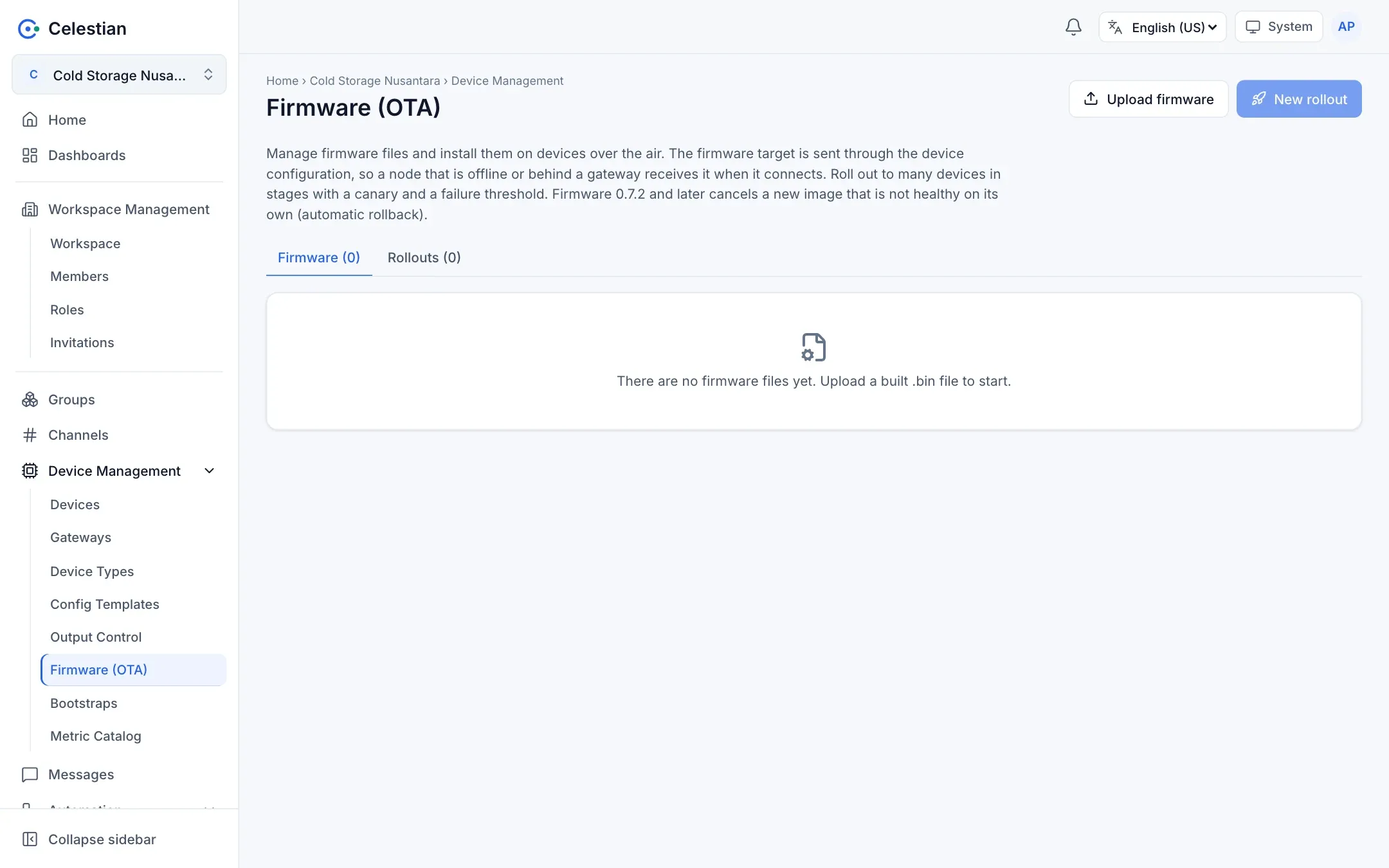
A three-step wizard:
- Firmware and targets: pick the file, then the targets (search, group, type; at most 1000). Every device is checked:
ok,gateway,no_serial,no_channel,model_mismatch,already_current,in_rollout,forbidden. Those that fail are skipped with a reason. - Strategy:
- Canary: a small first wave with zero failures tolerated.
- Cumulative waves (for example 10 percent, 50 percent, 100 percent).
- A pause between waves and a wave timeout (a device that has not finished is counted as failed).
- A failure threshold per wave: if exceeded, the rollout stops automatically (halted).
- Review the per-device checks, then start.
A device may only be in one active rollout. For a single device, use the Firmware tab on the device detail (update one device with confirmation).
Controlling a rollout
Section titled “Controlling a rollout”The rollout page shows wave cards and a device table that refreshes every 5 seconds. Actions: pause, resume (which also acknowledges failures on a halted rollout), cancel (the target is cleared on devices that have not finished; already updated ones are not rolled back), retry failed ones, skip a device, and delete the history.
Status per device
Section titled “Status per device”waiting → sent → downloading → installing → succeeded. Other outcomes: failed (a reason from the device such as HTTP 403, SHA-256 mismatch, or timeout), skipped, cancelled. A failed device that later succeeds by itself becomes succeeded.
Automatic rollback (firmware 0.7.2 and later)
Section titled “Automatic rollback (firmware 0.7.2 and later)”New firmware cancels itself if it is not healthy within 10 minutes. Celestian evaluates it:
| Reported condition | Status |
|---|---|
fw = the target and awaiting verification |
verifying (not yet successful; not counted as a timeout before the verification window passes) |
fw_rolled_back = the target |
failed (rolled_back): the target is cleared, and the device does not reinstall that version. A new version is needed. |
A device with older firmware (< 0.7.2) has no automatic rollback protection and is considered successful immediately once fw = the target. That is why a canary and a failure threshold matter.
Permissions
Section titled “Permissions”The firmware scope: read (view), write (upload and delete files), rollout (create and control rollouts). Every target device still needs device.configure. The built-in Operator role does not have it. A rollout uses its creator’s rights, re-evaluated at every step.
Limitations
Section titled “Limitations”- Only models with ESP32 images.
- Files are stored on the server disk and are not part of a workspace backup; the administrator must back up the firmware folder separately.
- There is no scheduled rollout yet and no one-click “go back to the previous version” (create a new rollout to the old version).