
Reports
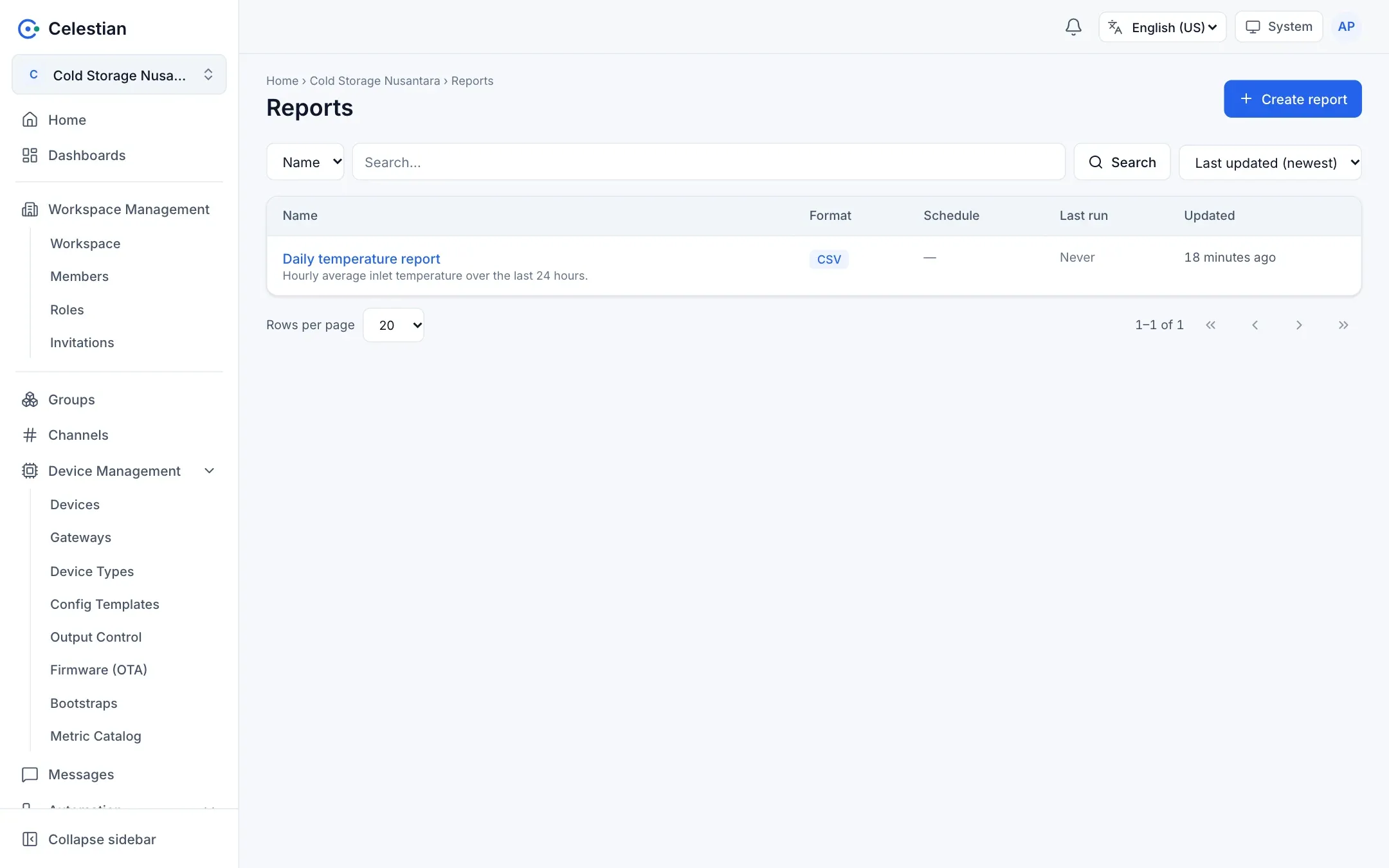
A report produces a CSV or PDF file from stored metric data, once or on a schedule. Menu: Reports.
Configuration
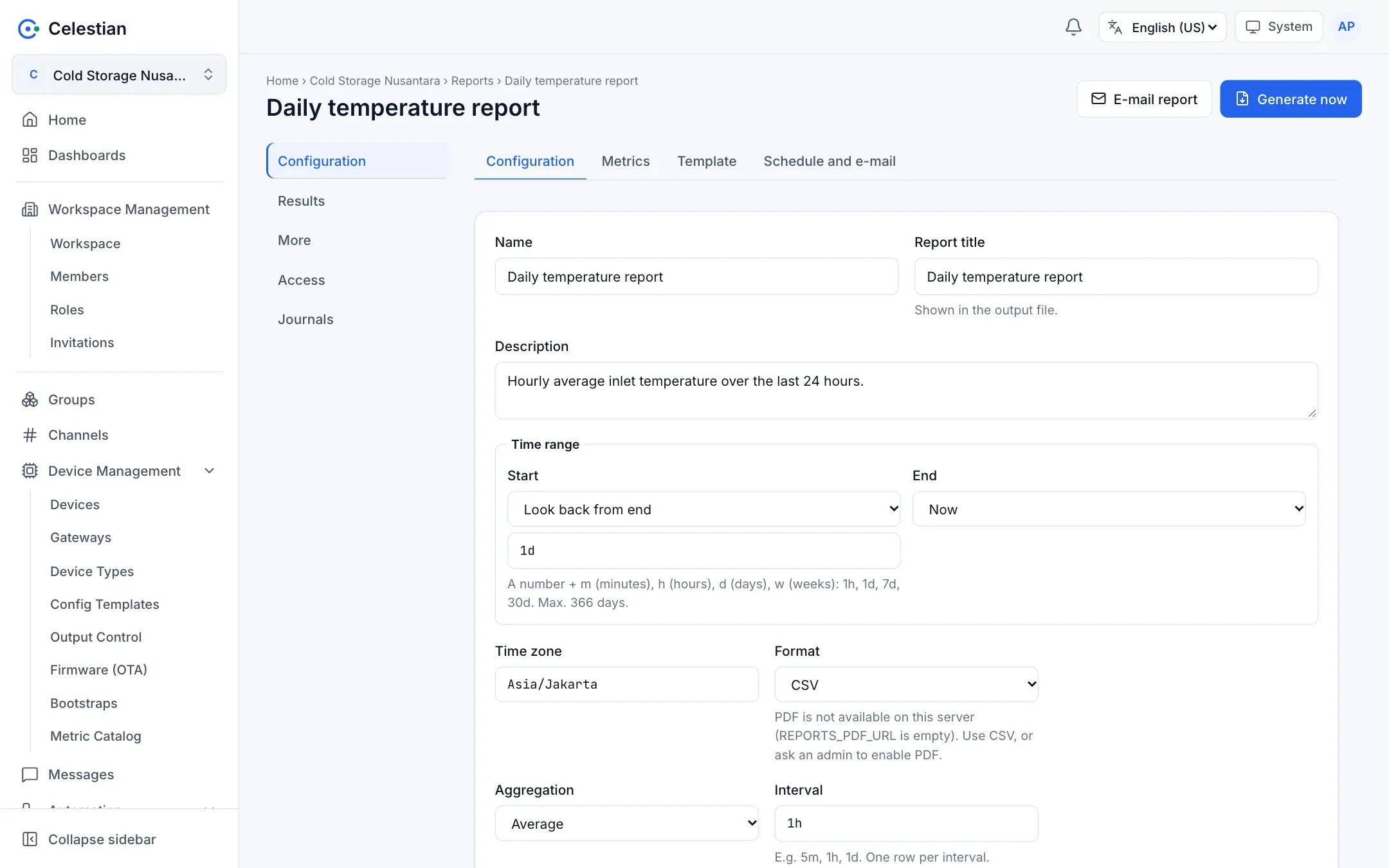
Section titled “Configuration”A report detail has a Configuration section (the tabs Configuration, Metrics, Template, and Schedule and e-mail), Results, More, Access, and Journals.
| Field | Description |
|---|---|
| Name, Description, Report title | The title is printed in the result file. |
| Time range | Start: Look back from end (a number + m, h, d, or w, for example 1h, 1d, 7d, 2w) or an absolute date and time. End: Now, or a date (a date alone means until the end of that day). At most 366 days. |
| Time zone | An IANA zone name, for example Asia/Jakarta. |
| Format | PDF or CSV. PDF is only available when the server administrator has installed the PDF service. |
| Aggregation and Interval | No aggregation, average, min, max, sum, or count, with an interval such as 30s, 5m, 1h, 1d (30 seconds to 31 days, at most 100,000 buckets). |
| Metrics (the Metrics tab) | Up to 20: the exact value name (bn + n), a channel, and optionally a device or subtopic. Only numeric data stored through a rule. |
The Template tab holds an HTML template for the PDF layout (with a preview). The template is rendered with html/template (data is escaped), and the result is then validated with an allowlist: no scripts, iframes, forms, on* attributes, or external sources. Images may only be data:image/.
Running
Section titled “Running”- Generate now runs the report immediately. The Results section shows the run history and the result files (download), and refreshes itself automatically while a run is active.
- E-mail report sends the file to the recipients you enter for one run.
- A single report cannot pile up in the queue: when a run is in progress, a new request is refused (
report.busy).
Schedule and e-mail
Section titled “Schedule and e-mail”The Schedule and e-mail tab uses the same model as a scheduled rule: a start date and time, a time zone, a repeat, and a multiple. For scheduled runs you can fill in e-mail recipients (up to 10) and a subject. The file is sent as an attachment. A scheduled run is skipped when the previous run has not finished.
Limits
Section titled “Limits”- A CSV contains the columns
time, metric, name, value, unit, with the time in the report’s zone. When the data exceeds the server’s row limit (200,000 by default), the run fails with a clear message (report.rows_limit) instead of silently truncating. Narrow the range or raise the aggregation interval. - The file size is at most 25 MiB by default. Files are stored in the database.
- PDF is produced by a Chromium/Gotenberg service installed by the administrator. Without it, a PDF run fails (
report.pdf_unavailable) while CSV keeps working. - Run results are kept according to the server retention (30 days by default).
Permissions
Section titled “Permissions”The report scope: read (list and download), write (create, change, preview), delete, and execute (Generate and E-mail). Per-object permissions and the Access tab are supported.