
Channels and connections
A channel is a message stream on which devices send (publish) and receive (subscribe) data. A channel is part of the MQTT topic: m/<workspace>/c/<channel>.
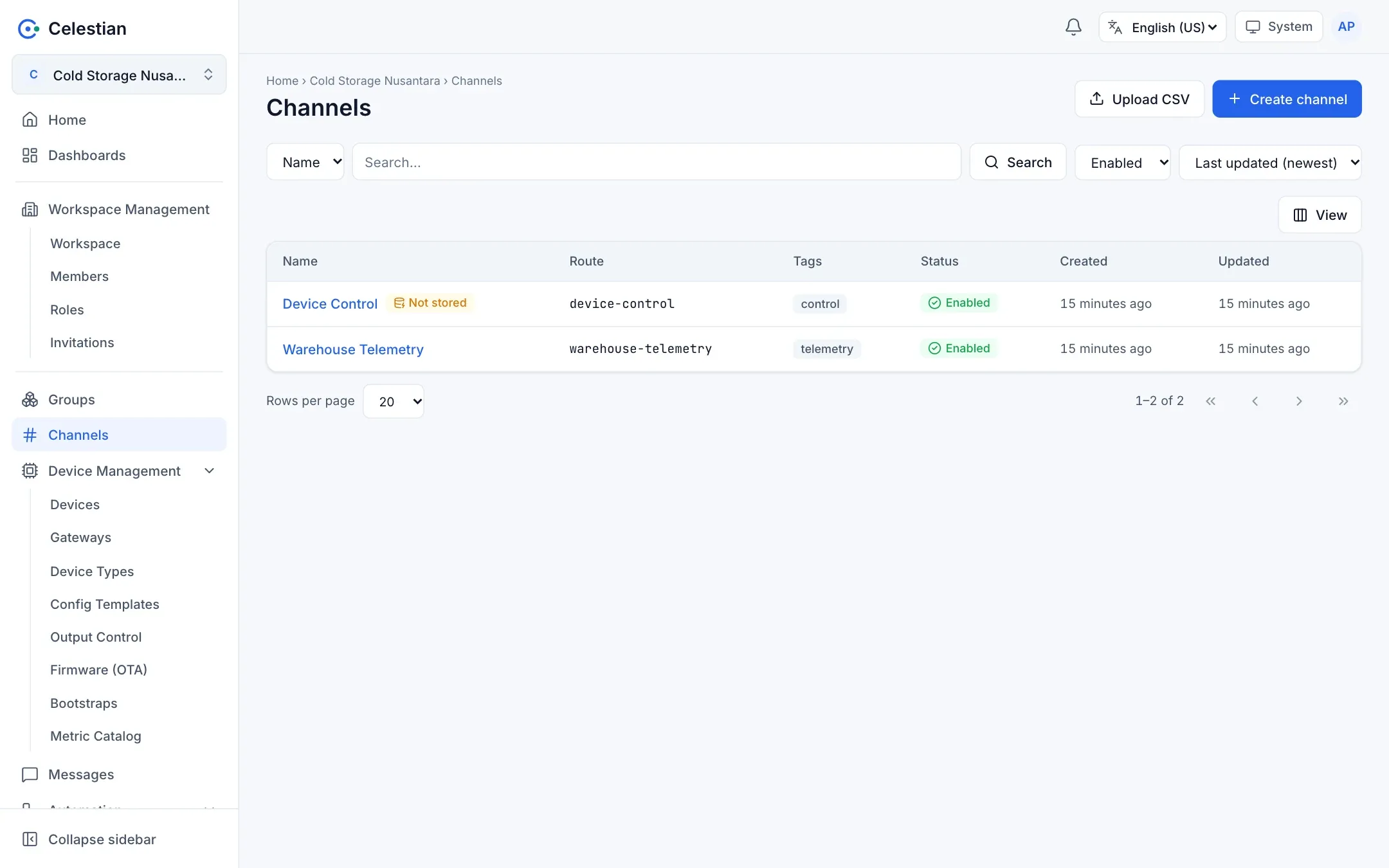
The channel list
Section titled “The channel list”Columns: Name, Route, Tags, Status, and the creation and modification times. A channel without a storage rule is flagged Not stored. Search (name, route, tag, ID), sorting, a status filter, the Display button for choosing columns, pagination (10/20/50/100 rows), Create channel, and Upload CSV are available.
Creating a channel
Section titled “Creating a channel”| Field | Description |
|---|---|
| Name | Required. |
| Route | Optional. Lowercase letters, digits, and hyphens; unique per workspace; cannot be changed; must not look like a UUID. Used in readable MQTT topics. A channel without a route uses its ID in the topic. |
| Tags | Press Enter to add. Tags are used for search and for per-tag permissions. |
| Metadata | A JSON object. |
Channel detail
Section titled “Channel detail”| Section | Contents |
|---|---|
| Settings | Name, tags, status, deletion. The Storage card shows the rules that process this channel. The Metadata tab. |
| Connections | Connected devices and their type (Publish/Subscribe). The Connect and Disconnect buttons. |
| Groups | Groups that contain the channel. |
| Access | Roles and direct policies. |
| Messages | A shortcut to the Messages page for this channel. |
| Alarms | Alarms related to this channel. |
| Journals | Change history. |
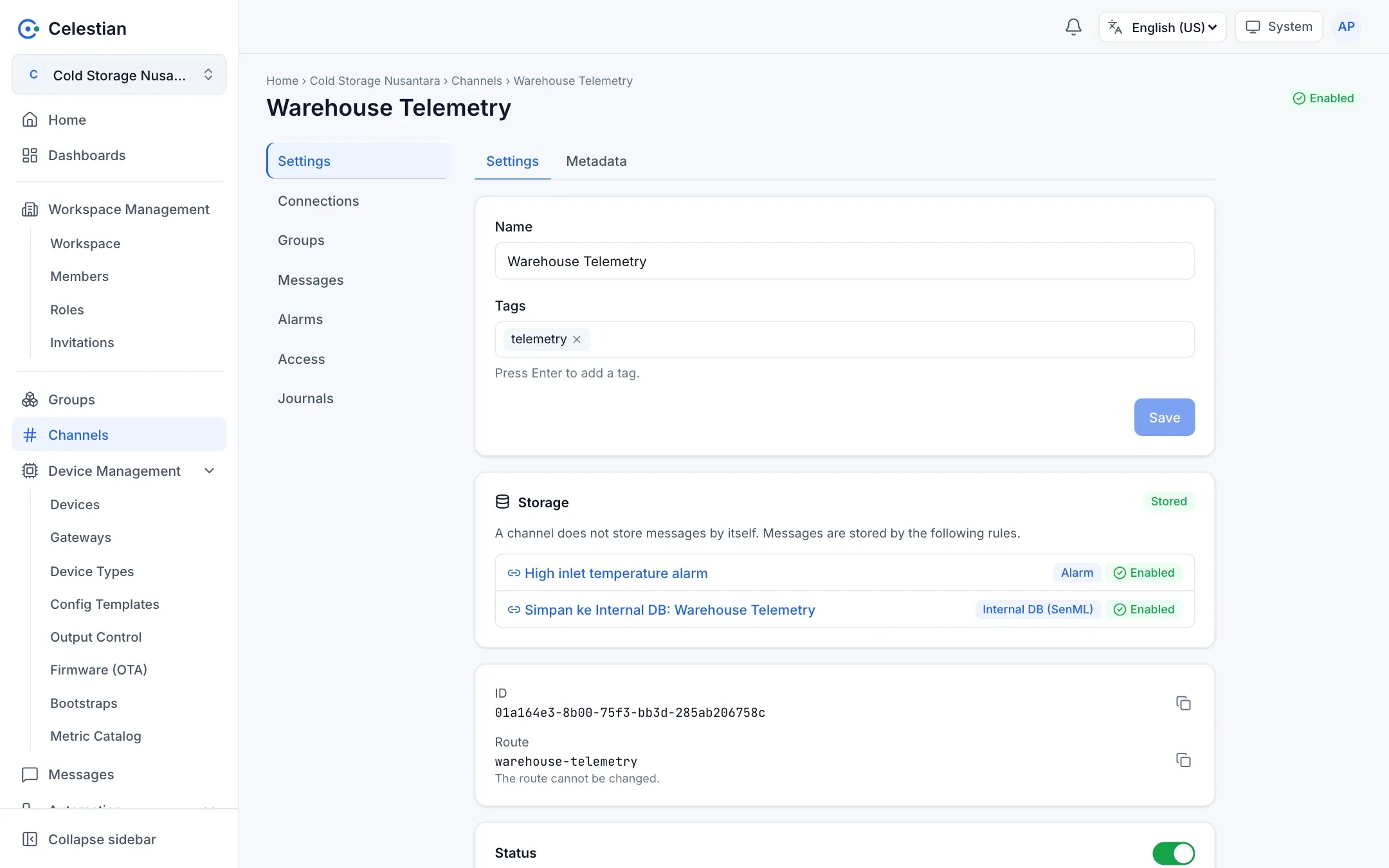
A disabled channel does not accept messages. Deleting a channel deletes all its connections.
Device-to-channel connections
Section titled “Device-to-channel connections”A connection is an explicit permission of a device on a channel:
| Type | Meaning |
|---|---|
| Publish | The device may send messages to the channel. |
| Subscribe | The device may receive messages from the channel (for example commands and configuration). |
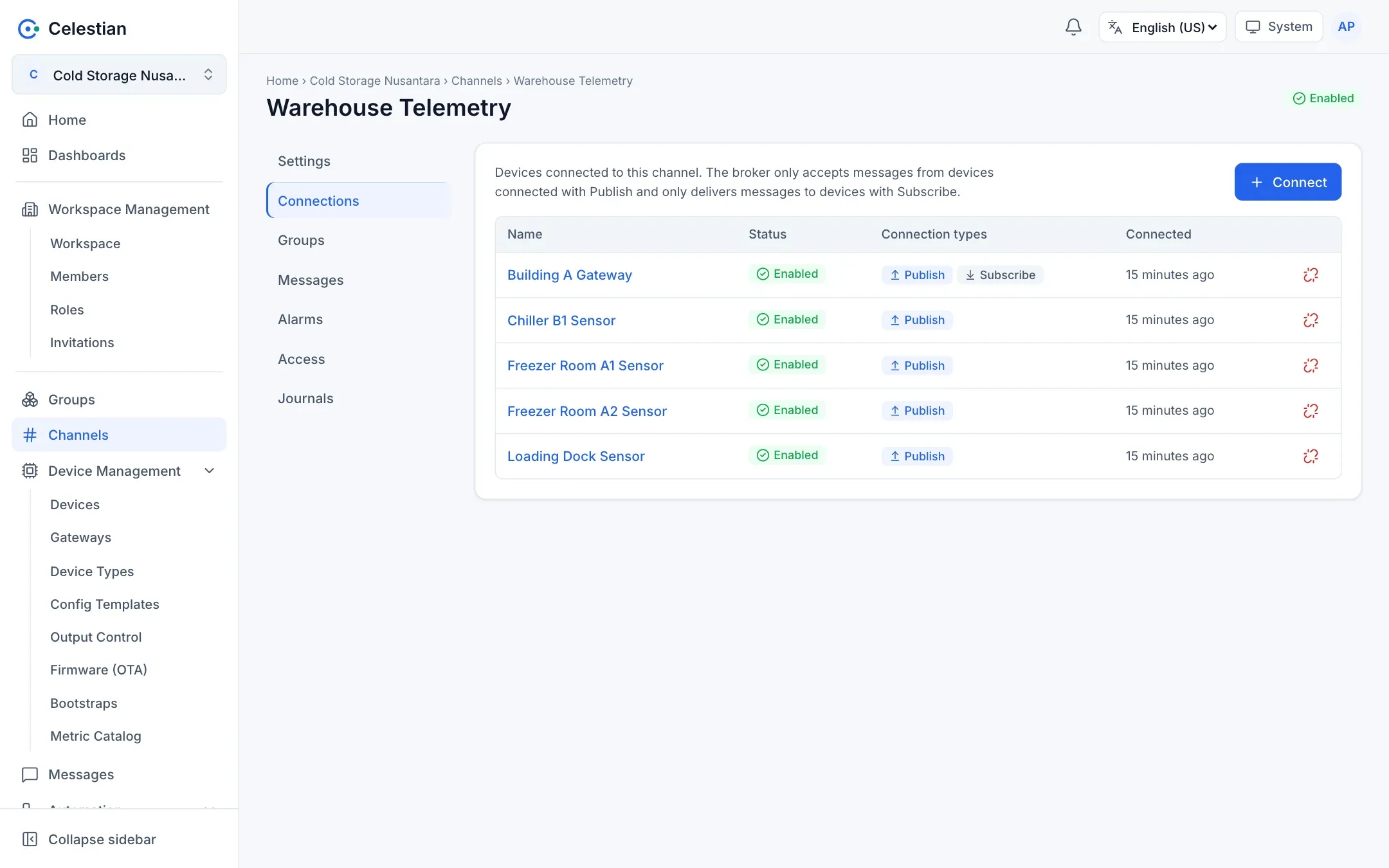
The broker only accepts messages from devices connected with the Publish type, and only forwards messages to devices of the Subscribe type. Connections can be created from the channel detail or the device detail, with multi-select. The rules:
- The
connectpermission is required on both sides (device and channel). - Creating an existing connection changes nothing (idempotent).
- At most 100 pairs per request.
- Deleting a device or channel also deletes its connections.
- A sensor behind a gateway does not need its own connection. Only the gateway needs connections (Gateways).
- Connections of a disabled device or channel are kept, but the broker refuses their traffic.
Storing messages
Section titled “Storing messages”A message without a rule is still received: the device’s Last Seen and latest values keep working, but there is no history.
Retention
Section titled “Retention”Stored messages are kept according to the server policy (365 days by default, compressed after 7 days). The server administrator can change this.