
Metric Catalog
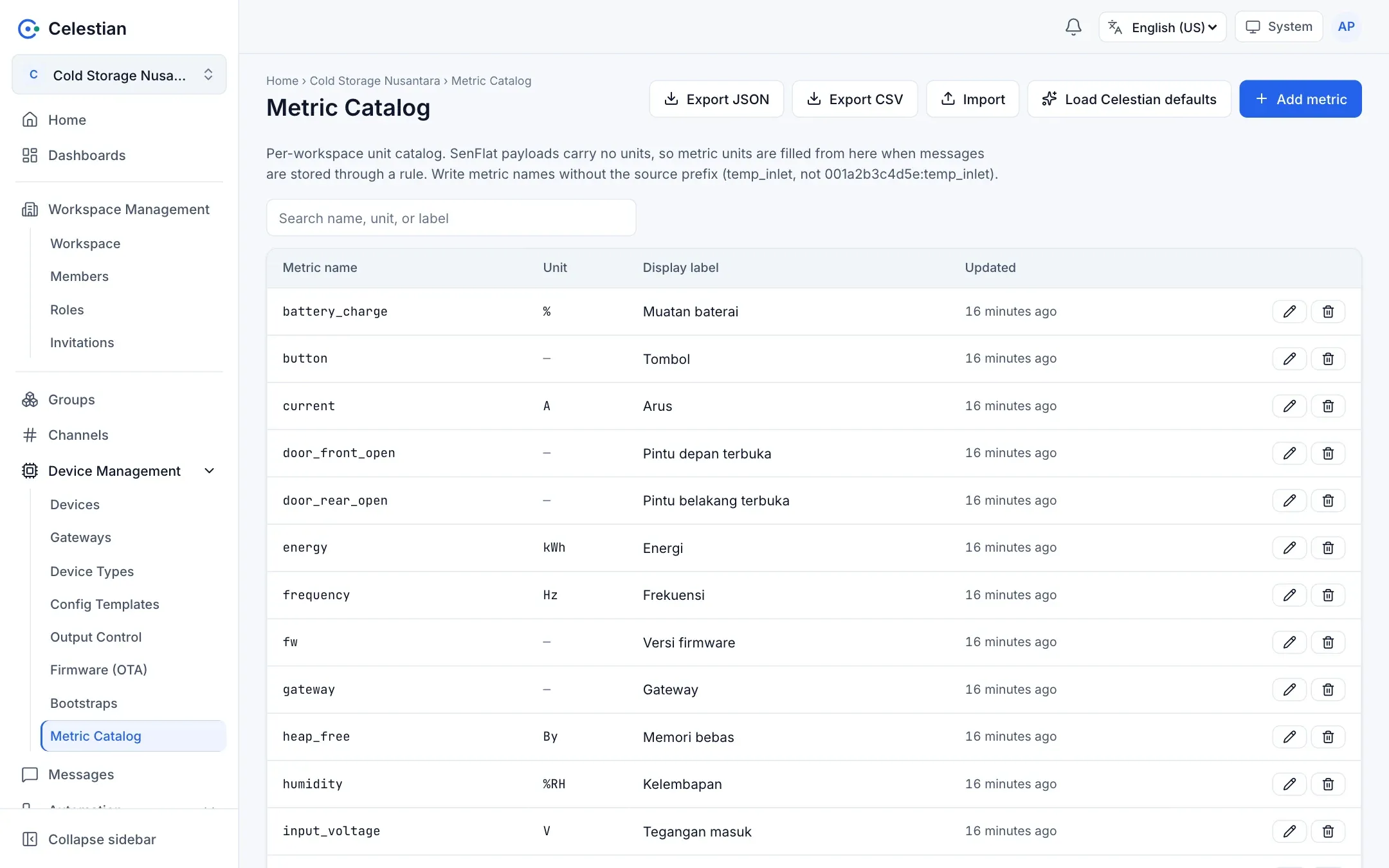
SenFlat payloads carry no unit, to stay compact. Units come from the workspace’s Metric Catalog. Menu: Device Management → Metric Catalog.
How it works
Section titled “How it works”- When a SenFlat message is stored through the Internal DB (SenML) output, the metric’s unit is filled in from the catalog.
- When the latest value is displayed (the Telemetry tab), an empty unit is completed from the catalog.
- A metric that is not in the catalog is still stored, just without a unit.
- Units use UCUM codes as in SenML:
Cel,V,A,W,kWh,Hz,%RH,By,s.
Managing the catalog
Section titled “Managing the catalog”| Action | Description |
|---|---|
| Load defaults | Fills in Celestian’s built-in metrics (temperature, humidity, voltage, current, power, energy, frequency, power factor, uptime, memory, door status, and more). Existing entries are not overwritten. |
| Add | The metric name (exactly as in the payload, without a colon), unit, and label. |
| Edit / Delete | The name cannot be changed; the unit and label can. |
| Export / Import | Save the catalog to a JSON or CSV file and restore it (Configuration files). |
The recommended naming: lowercase letters, digits, and underscores (^[a-z][a-z0-9_]*$), written in full (temp_inlet, not ti). This is only a recommendation, and the UI gives a soft warning. The server only refuses an empty name, one longer than 200 characters, or one containing a colon (the colon separates the source prefix). At most 2000 entries per workspace.
Permissions: view = workspace.read; change = workspace.write.