
Profile and Personal Access Tokens
Open the account menu (the avatar at the top right) → Profile. This page has the tabs Profile, Personal Access Tokens, and Backup and restore.
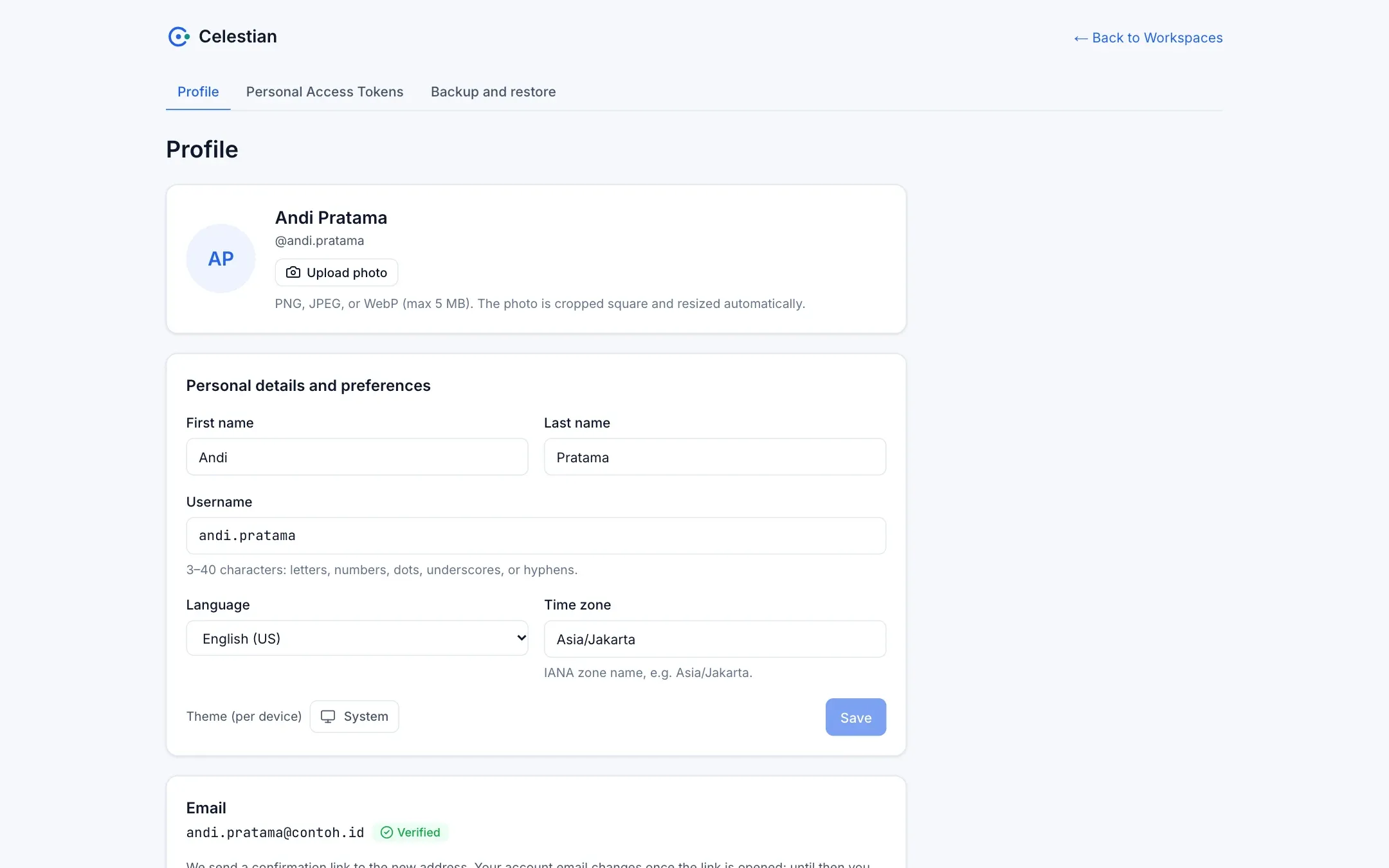
Profile
Section titled “Profile”| Setting | Description |
|---|---|
| Photo | Cropped square and reduced to 256×256 in the browser (JPEG/PNG/WebP, at most 512 KiB). |
| Name and username | The username must be unique. |
| Language | Indonesian or English (US). It also determines the language of e-mails from Celestian. It can be switched from the top bar. |
| Time zone | The IANA zone of your account. |
| Theme | Light, dark, or follow the system. Stored per device, not in the account. |
Change password
Section titled “Change password”Requires your current password. Failures count against the same lockout allowance as sign-in. On success: all other sessions are revoked (this device stays signed in) and you receive a notification e-mail. The new password must pass the policy (minimum length, not containing your username or part of your e-mail, and not on the list of common passwords).
Change e-mail
Section titled “Change e-mail”Requires your password. A confirmation link is sent to the new address; the account e-mail changes once the link is opened and is marked verified immediately. Until then the old e-mail remains valid.
Personal Access Tokens (PAT)
Section titled “Personal Access Tokens (PAT)”A PAT lets scripts and applications call the REST API on your behalf. Menu: Profile → Personal Access Tokens.
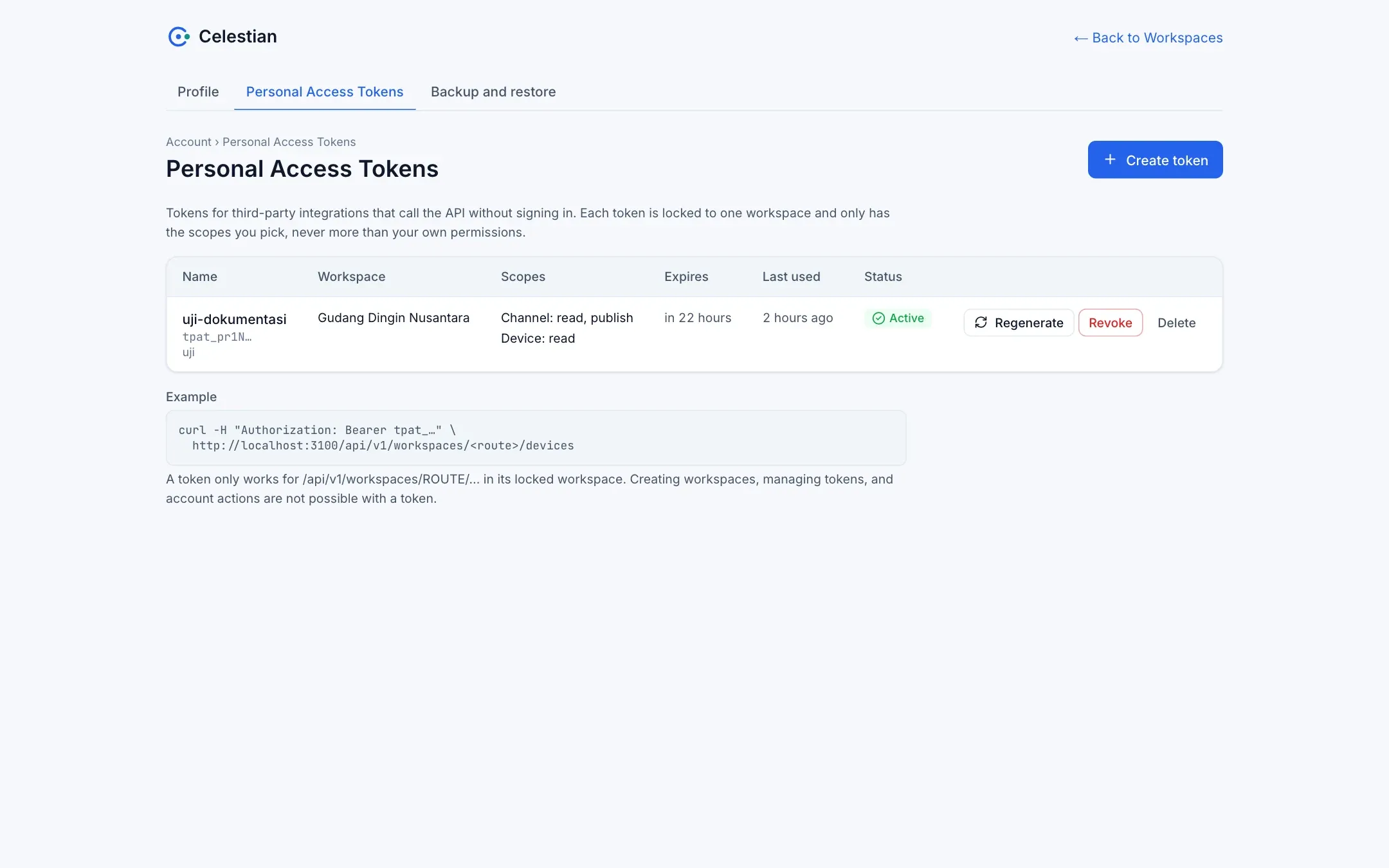
| Action | Description |
|---|---|
| Create | Choose a name, description, workspace (a token is locked to one workspace), a lifetime (1 to 365 days), and scopes (a scope × action matrix, with an optional tag restriction). |
| Regenerate | Creates a new secret with the same name, description, scopes, and duration. An expired token may be regenerated; a revoked one may not. |
| Revoke | Revokes permanently. |
| Delete | Deletes the token record. |
PAT principles:
- Effective rights = your rights ∩ the token scope. Revoking your rights immediately removes them from the token; raising your rights does not raise the token.
- Scopes are Allow only, for workspace, device, channel, group, rule, report, and bootstrap. Access-management actions (
manage,role.manage,policy.manage,member.invite) and the wildcard*are not available. - Give a token only the actions it needs. A reader integration needs just
channel.read. - A token can only call the
/api/v1/workspaces/...routes. Account routes, token management, and workspace deletion are refused.
How to use it: the API guide.