
Bootstraps
Bootstrap lets a physical device fetch its own credentials and configuration the first time it powers on, without you embedding a device key by hand. The device only needs to know its own External ID and External Key. Menu: Device Management → Bootstraps.
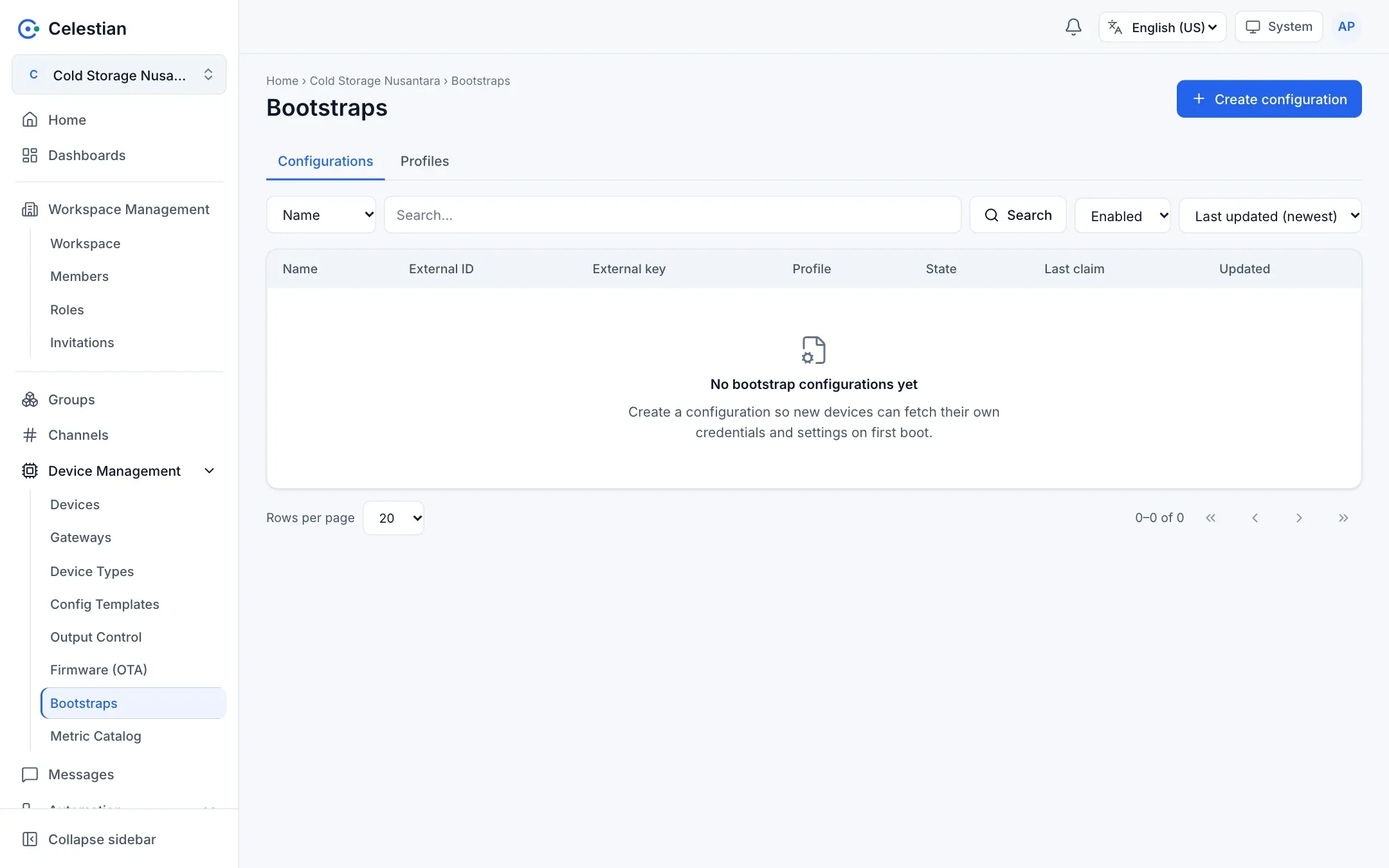
Components
Section titled “Components”| Component | Purpose |
|---|---|
| Profile | A reusable configuration template (JSON, YAML, TOML, or text format) with binding slots. |
| Configuration | One device: External ID, External Key, profile, slot bindings to real devices and channels, and an Enabled/Disabled status. |
Profile
Section titled “Profile”Fields: Name, Description, template format, template content, and binding slots (slot name, device or channel type, required or not). The template uses Go text/template syntax with these variables:
| Variable | Contents |
|---|---|
{{ .Device.ID }}, .Device.Key, .Device.Name, .Device.Serial |
The device in the slot named device. |
{{ .Devices.<slot> }} |
The device in another slot. |
{{ .Channels.<slot>.ID }}, .Name, .Route |
The channel in a slot. |
{{ .Broker.URL }} |
The broker address (set by the server administrator). |
{{ .Workspace.ID }}, .Workspace.Route |
The workspace. |
{{ .Config.ID }}, .Config.Name, .Config.ExternalID |
The bootstrap configuration. |
An extra function: json. The template is restricted for safety: no define, template, block, printf, print, println, call, and no range over numbers. Output is at most 256 KB. When saved, the template is rendered with sample data to make sure it is valid.
An example JSON template:
{ "mqtt": { "url": "{{ .Broker.URL }}", "username": "{{ .Device.ID }}", "password": "{{ .Device.Key }}", "topic": "m/{{ .Workspace.Route }}/c/{{ .Channels.telemetry.Route }}/{{ .Device.Serial }}" }}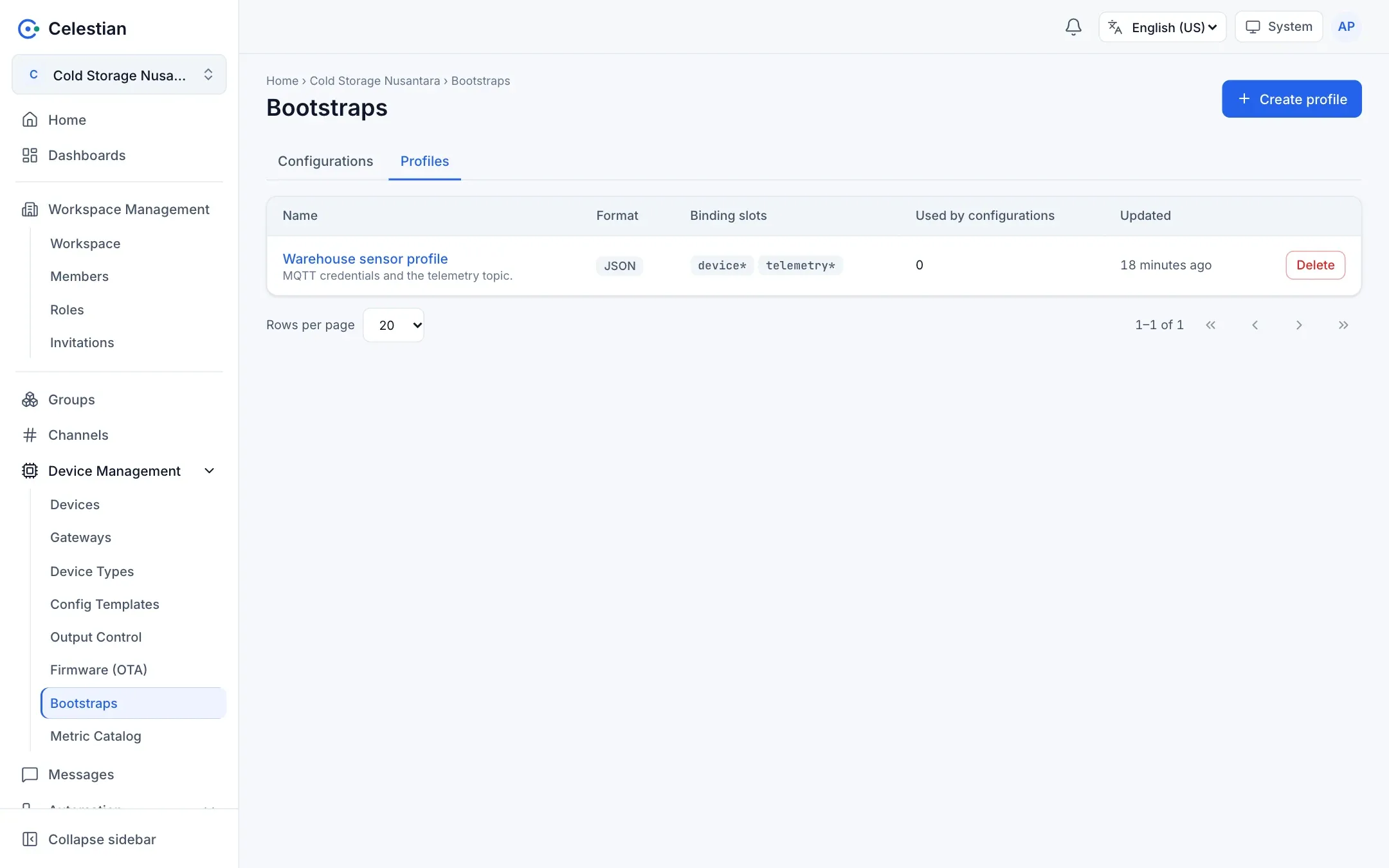
Configuration
Section titled “Configuration”Fill in a Name, an External ID (unique per workspace, for example a MAC), an External Key (generated and shown once, or your own of at least 10 characters), a Profile, and the bindings (each slot is filled with a real device or channel). Client certificates (Client Cert, Client Key, CA Cert) are optional.
The External Key is stored encrypted (AES-GCM with the server key), not hashed, because the server must verify the HMAC. For that reason the server must have a SECRETS_KEY; otherwise bootstrap answers 503.
The protocol
Section titled “The protocol”The device talks over HTTPS to the web application (no login):
POST /api/bootstrap/{workspace-route}/challengewith{"externalId": "..."}→ the server replies with a nonce (32 hex characters, single use, valid for 60 seconds).POST /api/bootstrap/{workspace-route}/claimwith{"externalId", "nonce", "proof"}, whereproof = hex(HMAC-SHA256(external_key, nonce))(the nonce is treated as a text string).- The server verifies the proof, then replies with an encrypted configuration:
{"alg": "aes-256-gcm", "nonce": base64(12 bytes), "ciphertext": base64(content+tag)}. The key =HKDF-SHA256(secret=external_key, salt=nonce, info="celestian bootstrap v1")(32 bytes), and the AAD = the External ID. - The decrypted result is JSON:
workspace,configId,device {id, key, ...},devices,channels,brokerUrl,format,content(the rendered template), and certificates if any.
import base64, hashlib, hmac, json, urllib.requestfrom cryptography.hazmat.primitives.ciphers.aead import AESGCMfrom cryptography.hazmat.primitives.kdf.hkdf import HKDFfrom cryptography.hazmat.primitives import hashes
BASE = "https://celestian.example.com/api/bootstrap/cold-storage"EXT_ID, EXT_KEY = "a2cb8ff8768d", "your-external-key"
def post(path, body):    req = urllib.request.Request(BASE + path, json.dumps(body).encode(),                                 {"Content-Type": "application/json"})    return json.load(urllib.request.urlopen(req))
nonce = post("/challenge", {"externalId": EXT_ID})["nonce"]proof = hmac.new(EXT_KEY.encode(), nonce.encode(), hashlib.sha256).hexdigest()resp = post("/claim", {"externalId": EXT_ID, "nonce": nonce, "proof": proof})
key = HKDF(hashes.SHA256(), 32, nonce.encode(), b"celestian bootstrap v1").derive(EXT_KEY.encode())plain = AESGCM(key).decrypt(base64.b64decode(resp["nonce"]), base64.b64decode(resp["ciphertext"]), EXT_ID.encode())config = json.loads(plain)print(config["device"]["id"], config["brokerUrl"])Protocol security
Section titled “Protocol security”- A refusal before the proof is verified uses the same code for a wrong workspace, External ID, or nonce, so the protocol cannot be used to guess identities.
- Lockout per External ID: 5 failures in 15 minutes produce a 429 with
Retry-After. A limit of 10 challenges per minute. - A Disabled configuration with a correct proof is answered with 403. A required slot that is empty or a deleted device is answered with 409.
- The claim history (successful and failed, without secrets) is kept to at most 200 rows per configuration.
The test panel
Section titled “The test panel”A configuration detail has a Test panel that runs steps 1–4 one at a time without side effects (it does not rotate the key). Use it to make sure the template and bindings are right before the physical device is installed.