
Groups
A group collects devices, channels, and other groups, for example per building, floor, area, or customer. Groups are also the most compact way to share permissions (permission inheritance).
List and hierarchy
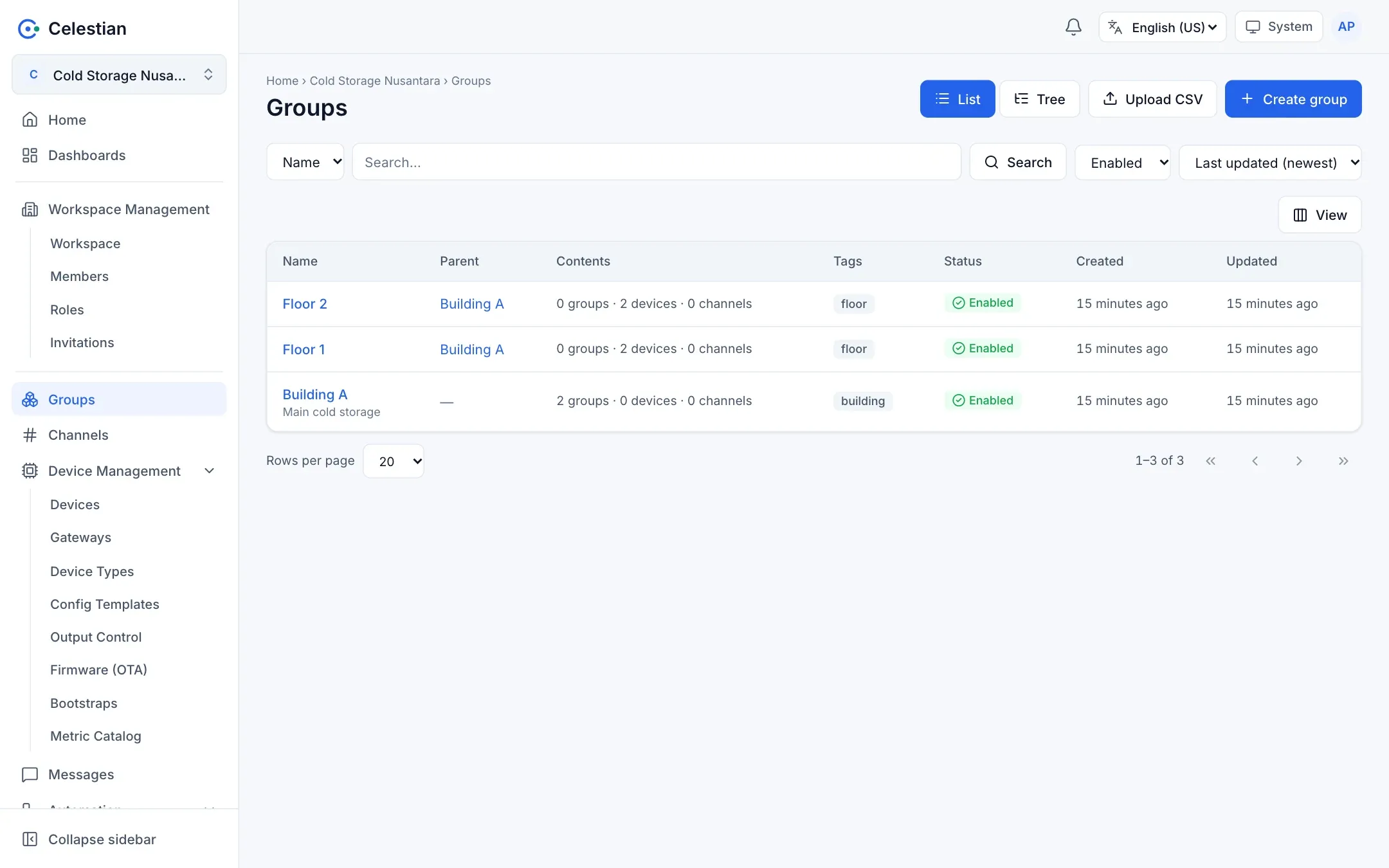
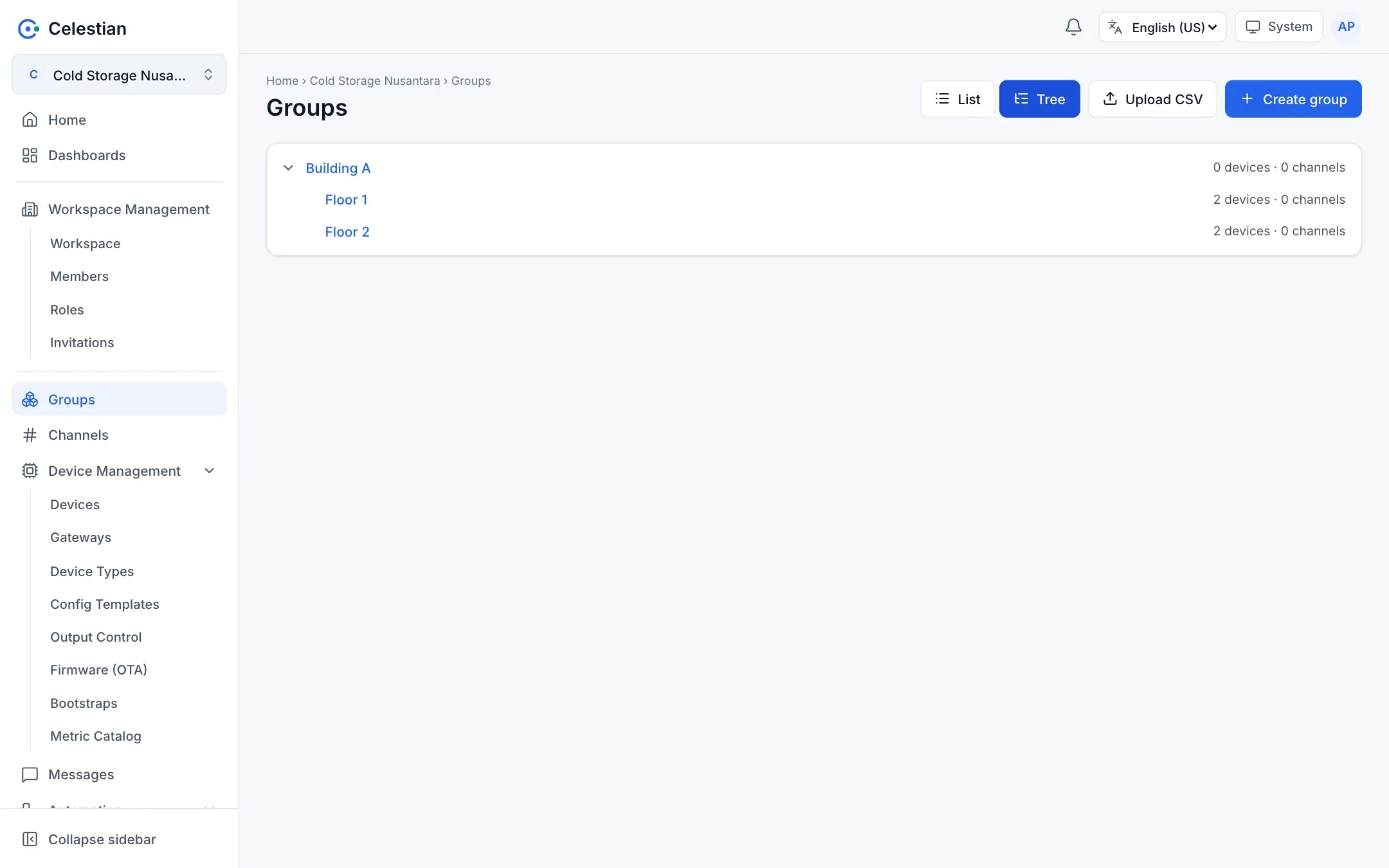
Section titled “List and hierarchy”The Groups menu has two views: List (a table with Name, Parent, Contents, Tags, and Status) and Tree. Search, sorting, a status filter, the Display button for choosing columns, and Upload CSV are available.
Creating a group
Section titled “Creating a group”Choose Create group, fill in Name, optionally a Parent group, a description, tags, and metadata. A group without a parent becomes a root of the hierarchy.
Hierarchy rules:
- The hierarchy may not form a cycle.
- The maximum depth is set by the server administrator (10 levels by default).
- A group that still has children cannot be deleted unless you choose a cascading delete (typing the name and ticking the confirmation). Member devices and channels are not deleted; only their membership is released.
Group detail
Section titled “Group detail”| Section | Contents |
|---|---|
| Settings | Name, description, parent, tags, status, delete. The Metadata tab. |
| Children | Direct child groups. Add or release. |
| Devices and Channels | Group members. One object may be a member of many groups. |
| Access | Roles and direct policies that apply to this group. |
| Journals | Change history. |
On the device and channel detail pages, the Groups section shows the groups that contain them (read-only; change membership from the group page, which requires the manage-members permission).
Adding objects to a group while creating them
Section titled “Adding objects to a group while creating them”The Create device and Create channel forms have a Group field. The object is put into the chosen groups in the same transaction. You need the manage-members permission on each group.
Upload CSV
Section titled “Upload CSV”From the Groups page, Upload CSV imports many groups at once.
name,description,parent,tags,metadata_jsonBuilding A,Main cold storage,,building,Floor 1,,Building A,floor,Floor 2,,Building A,floor,parentcan be a group ID or name, including a group created on an earlier row of the same file.- Group names are not unique. If two groups with the same name exist under the same parent, use the ID.
- The import is all-or-nothing, with a per-row preview. See CSV import.