
Invitations
The menu Workspace Management → Invitations is used to invite people to the workspace by e-mail, including people who do not have an account yet.
Inviting
Section titled “Inviting”- Choose Invite.
- Fill in the recipient’s Username or e-mail. A registered user is looked up exactly. An e-mail that is not registered can still be invited, and the recipient must sign up with that e-mail.
- Pick one or more Roles.
- Choose Send invitation. The recipient receives an e-mail with a link to accept or reject.
You need the workspace.member.invite permission, and you can only grant roles whose permissions you hold (anti-escalation).
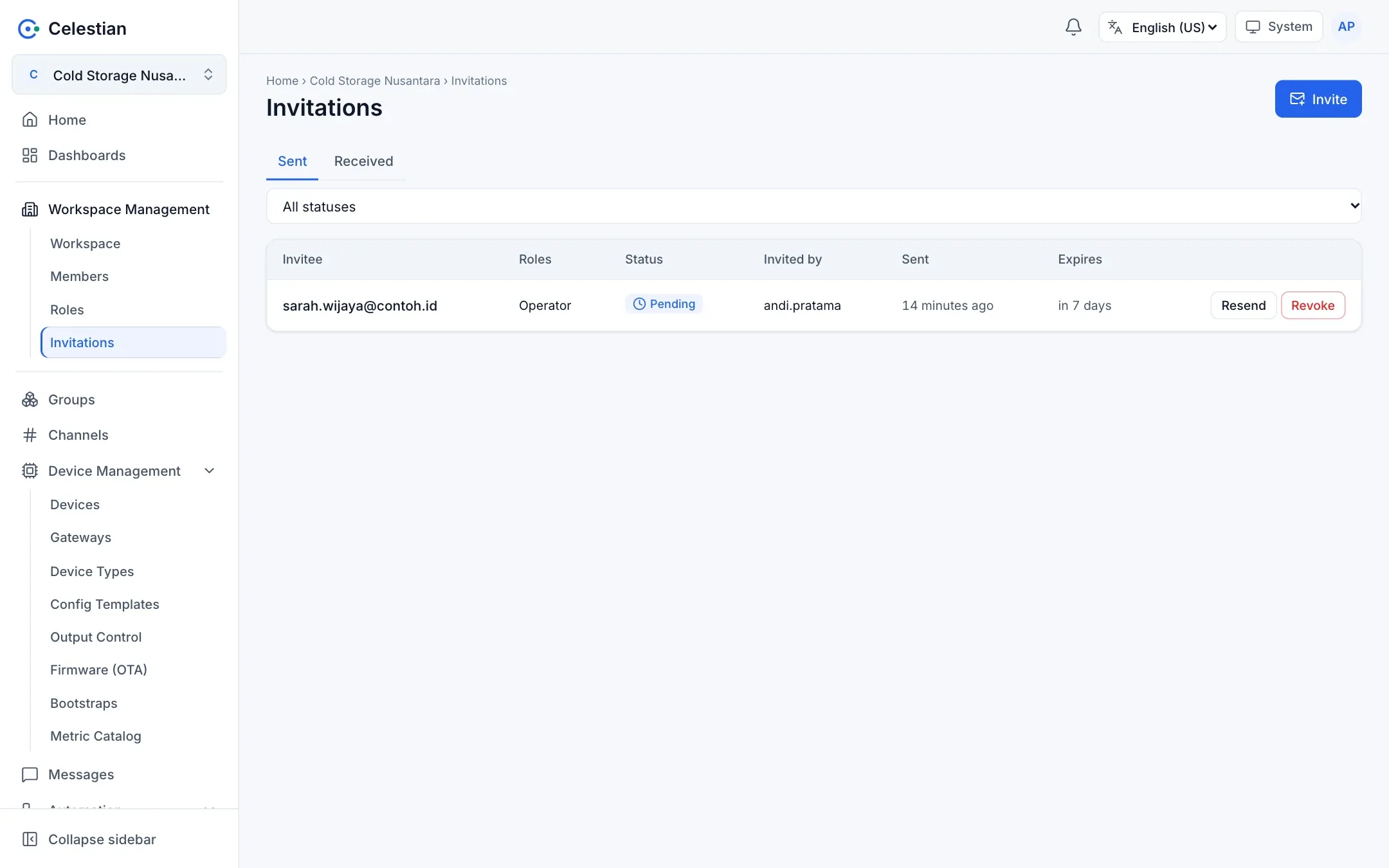
Invitation statuses
Section titled “Invitation statuses”| Status | Meaning |
|---|---|
| Pending | Waiting for an answer. |
| Accepted | The recipient joined with the specified roles. |
| Rejected | The recipient declined. |
| Revoked | You revoked it, or it was replaced by a new invitation to the same recipient. |
| Expired | Past its lifetime (7 days by default, set by the server administrator). |
Actions on a sent invitation: Resend (this also revives an expired invitation with a new link) and Revoke.
Accepting an invitation
Section titled “Accepting an invitation”Invitations for you appear on the Received tab, in the inbox icon in the header, and in the e-mail link. The link opens a summary page; what decides is the account that is signed in, namely the invited account or an account with the same verified e-mail. Accepting means becoming a member with the invitation’s roles in a single step.
The inviter’s rights are checked again when the invitation is accepted. If the inviter has left or their rights have shrunk, acceptance is refused.
Invitation-only registration
Section titled “Invitation-only registration”When the server administrator closes open registration, people can still register through an invitation link (/register?invite=…). The registrant’s e-mail must exactly match the invitation e-mail, and the account is verified immediately and joins the workspace straight away with the invitation’s roles.