
I use the application
Manage workspaces, members, channels, devices, dashboards, rules, and alarms from the browser. Start with the application guide
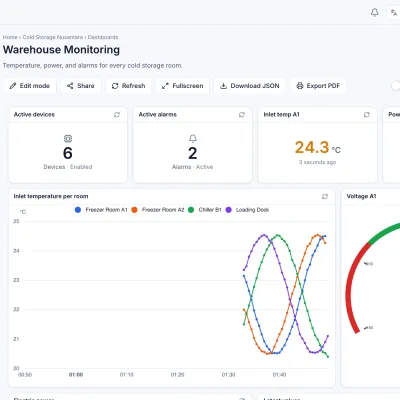
I use the application
Manage workspaces, members, channels, devices, dashboards, rules, and alarms from the browser. Start with the application guide
I install devices
Connect sensors or gateways over MQTT, choose a payload format, and watch the first data arrive. Open the device guide
I build integrations
Read and write data from your own applications with Personal Access Tokens and the REST API. Open the API guide
I run the server
Install Celestian yourself with Docker Compose, configure it, and look after its data. Open server administration
Data in over MQTT
Devices and gateways publish SenML, SenFlat, or free-form JSON to the topic m/<workspace>/c/<channel>.
Visual rules engine
Chain a Channel Subscriber, Comparison or Lua/Go code, then send the result to the database, alarms, e-mail, Telegram, webhooks, or PostgreSQL.
Dashboards and reports
More than a dozen widget types, GPS route maps, public sharing, PDF export, and scheduled reports.
Managed alarms
Deduplication, auto-clear, acknowledge, assignment, comments, and notifications by severity.
Fine-grained access
Roles with permission blocks, per-object and per-tag permissions, inheritance through groups, and scoped API tokens.
Remote configuration and firmware
Manage device settings, on-device rules, and staged firmware updates from one place.