
Custom Nodes
A Custom Node is logic you write once and use in many rules. Menu: Automation → Custom Nodes.
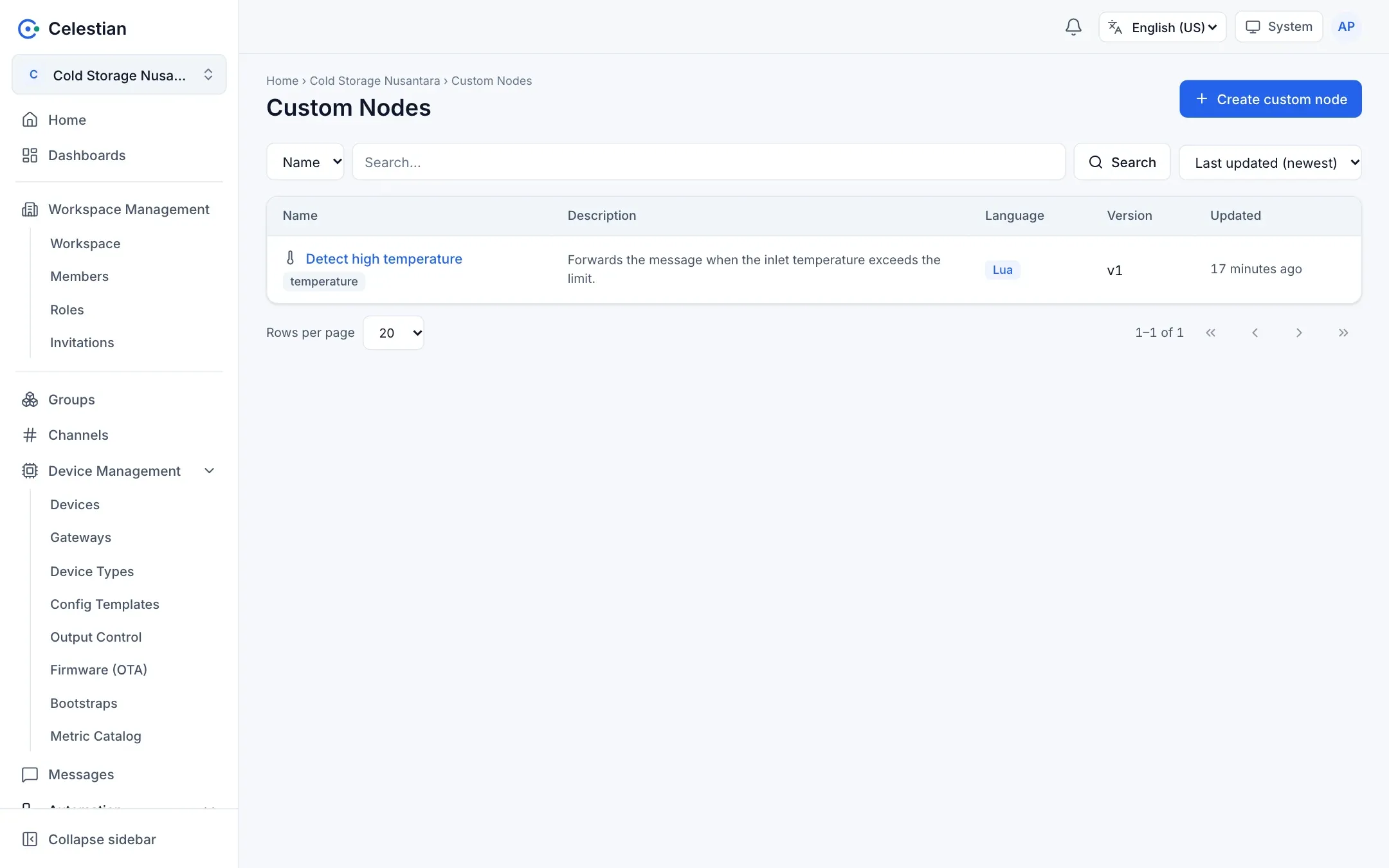
Creating a custom node
Section titled “Creating a custom node”Fill in a Name, Description, Icon, Tags, Language (Lua by default, or Go when enabled by the server), and the Code (a Monaco editor). The code must implement logicFunction(), just like ordinary logic (Rule node reference).
The Test node button runs the node with a sample payload.
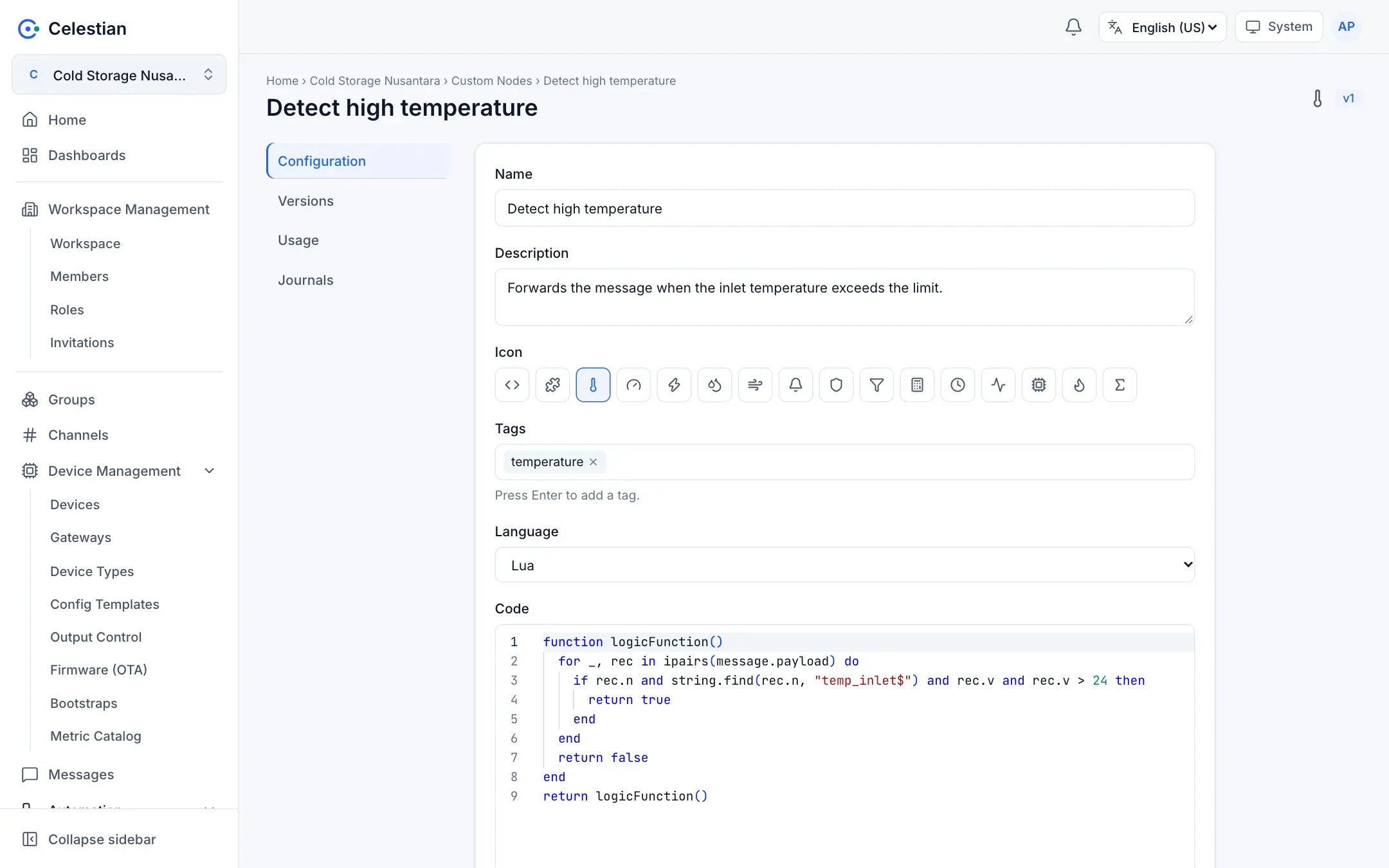
Versions
Section titled “Versions”- Every Save that changes the code or the language creates a new version (v1, v2, …). Changing only the name, icon, description, or tags does not raise the version.
- The Versions tab shows the history and a diff between versions (per line).
Using it in a rule
Section titled “Using it in a rule”In the rule editor, Add Logic → Custom Node, then pick the node and its version.
Usage and deletion
Section titled “Usage and deletion”- The Usage tab lists the rules that use this node with their versions (rules you may not read are hidden).
- A node that is still in use cannot be deleted, except with the detach option: each rule that uses it is turned into an ordinary Lua node with the copied code kept.
Permissions
Section titled “Permissions”It uses the workspace-level rule scope: rule.read views, rule.write creates, changes, and tests, and rule.delete deletes.